
How to download images and SVGs from a website
Right-click saves one visible image. The assets that matter are often backgrounds, inline SVGs and posters you cannot right-click at all.
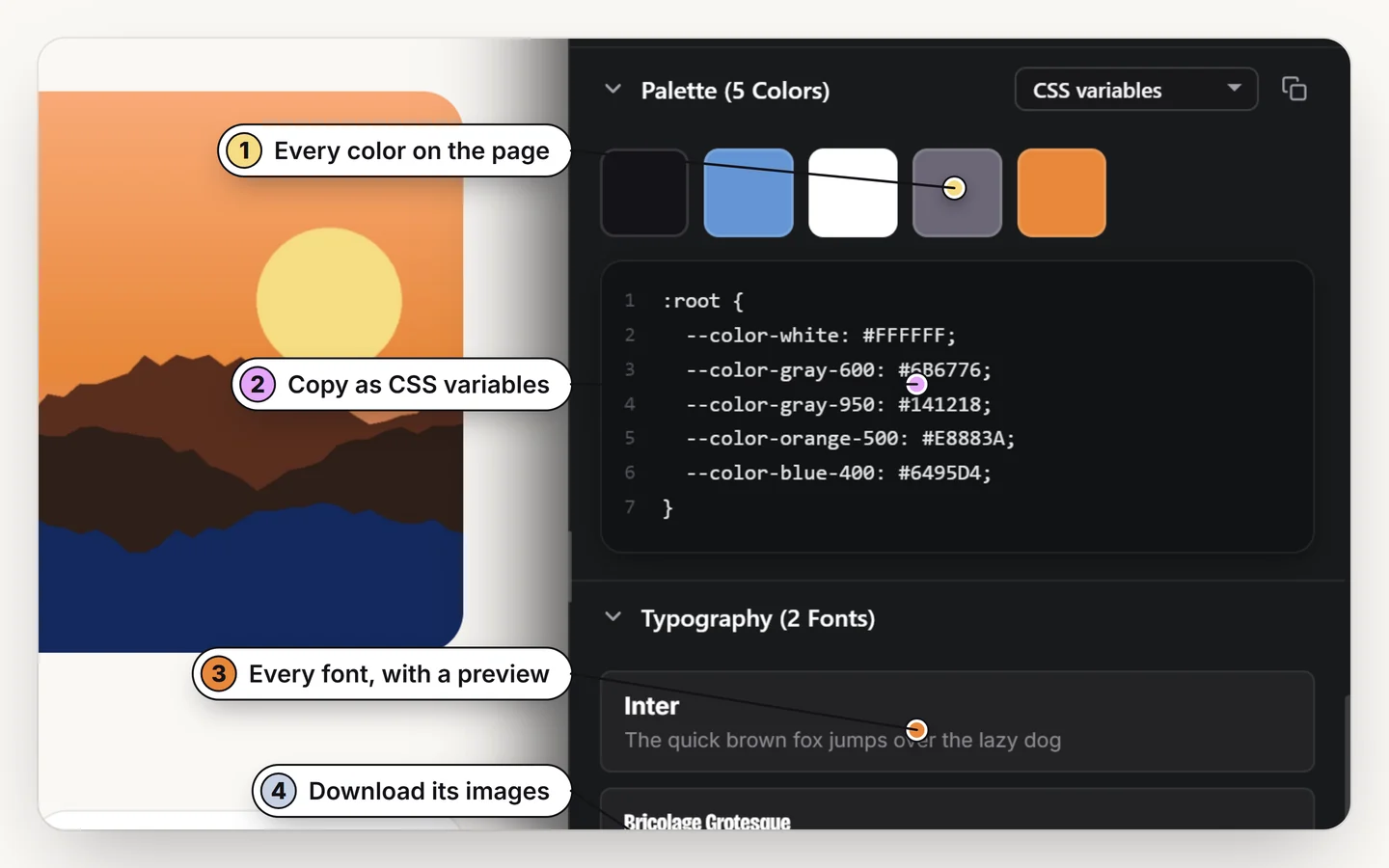
Open the assets list in Design Toolkit to see the images, SVGs, video posters and videos on the page, then save the ones you need with their real file names. Chrome asks once for permission to download files.
Why right-click is not enough
Right-click works for a plain image. It misses CSS background images, inline SVG icons, video posters and anything drawn into a canvas, and it saves files with names like image.png or a long hash. Collecting twenty assets this way is slow.
How to save assets from a page
1. Open the assets list
Turn the toolkit on with Alt + R and open the assets section in the side panel (O).
2. Choose what to save
Images, SVGs, video posters and videos are listed with their real file names.
3. Download
Save one asset or several. The first time, Chrome asks to allow downloads; the toolkit only downloads when you ask.
A note on SVGs
An SVG is code, so it scales with no loss. Saved as a file you can open it in Figma or an editor, change the colors and use it anywhere. Check the license of an icon set before you reuse it.
What you may reuse
Photographs, illustrations, logos and brand icons belong to their owners. Saving a file is not a license to use it. Use assets for reference and learning, or where the license allows, and replace the rest with your own.
Save the assets you can't right-click
Images, SVGs, posters and videos, with real names. Free for 7 days.
Add to ChromeNo accountRuns locally14-day refund
Common questions
How do I download all the images from a web page?
Open the assets list in Design Toolkit, which lists the images on the page, and save the ones you want with their real file names.
Can I download SVG files from a website?
Yes. Inline SVGs and SVG files are listed and can be saved as SVG.
Why does Chrome ask for permission to download?
Downloads are an optional permission. The toolkit asks once and only downloads when you click.
Is it okay to reuse images from other sites?
Only where the license allows it. Use others' images as reference, not as your own assets.